Cubic Bezier Input
An unstyled and highly composable cubic bezier input.
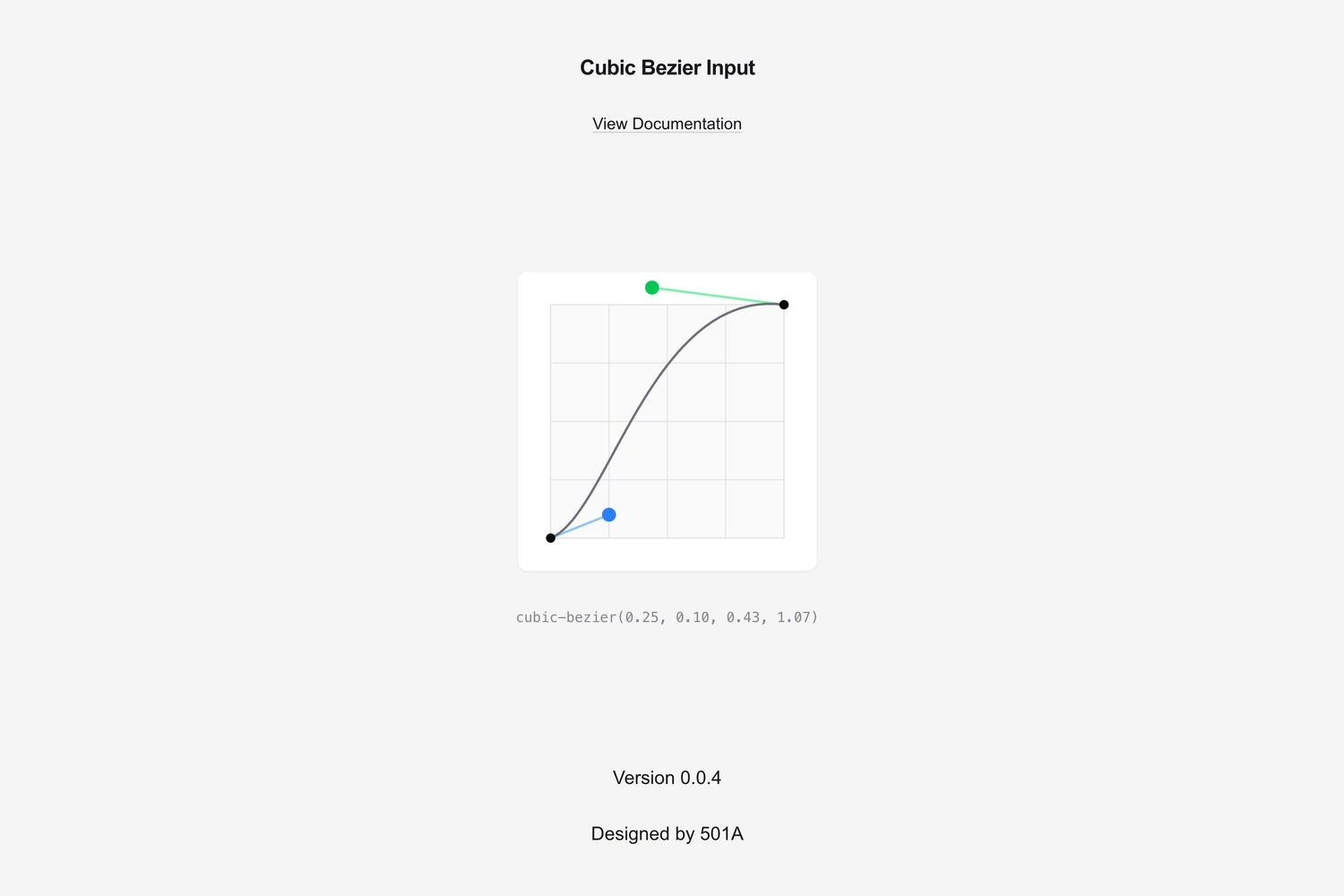
Overview
cubic-bezier-input is an unstyled, headless React component that gives developers full control over the look and feel of their bezier curve editor, following the composable component pattern popularized by libraries like Radix and shadcn/ui.
The Problem
Existing bezier curve inputs had several limitations:
- Tied to specific design systems – Most implementations were built for a particular UI library, making them hard to drop into existing projects.
- Hard to style – They came with baked-in visuals that clashed with custom designs, and overriding them was painful.
- Not composable – The grid, the curve, the control handles - everything was one monolithic component with limited customization options.
I needed something that could be styled with Tailwind, with composability like Radix, so I could integrate it into any project without fighting someone else’s design decisions.
The Solution
The anatomy follows the compound component pattern:
- Root – Manages the state and context for the bezier curve values.
- Controller – Represents one of the two control points, each with an interactive Thumb and connecting Line.
- Curve – Renders the bezier curve path with adjustable End points.
<CubicBezier.Root>
  <CubicBezier.Grid />
  <CubicBezier.Controller index={1}>
    <CubicBezier.Line />
    <CubicBezier.Thumb />
  </CubicBezier.Controller>
  <CubicBezier.Controller index={2}>
    <CubicBezier.Line />
    <CubicBezier.Thumb />
  </CubicBezier.Controller>
  <CubicBezier.Curve>
    <CubicBezier.End />
  </CubicBezier.Curve>
</CubicBezier.Root>
Every component accepts a className prop and ships with zero styles, making it trivially easy to style using Tailwind or any other CSS approach. Since the curve and grid are rendered with SVGs, you can customize their appearance using utility classes like fill-* and stroke-*.
Development & Implementation
I built the component using v0, Vercel’s AI coding tool. I started by designing the API surface, figuring out the component hierarchy, what props to expose, what each part should accept, and how the state should flow through context. Once I had that laid out, I described it to v0 and let it generate the code.
I modelled the API after Radix, where the state management handles both controlled and uncontrolled usage patterns with onValueChange for real-time updates and onValueCommit for when the user finishes interacting. Constraints like minY and maxY were added to support cases where bezier values need to stay within specific bounds.
Final Thoughts
It has never been easier to design an API and have an agent build it from that specification. I also think it’s increasingly important to be specific about how you want your code to be structured. Agents can generate code, but they can’t make good design decisions for you unless you guide them.
Building mini libraries or internal components quickly without relying on a third-party library’s design decisions is a great use of agents. You build exactly what fits your needs. I can see myself using this approach more and more.