Deizu v4
A simple web app allowing anyone to create timetables.
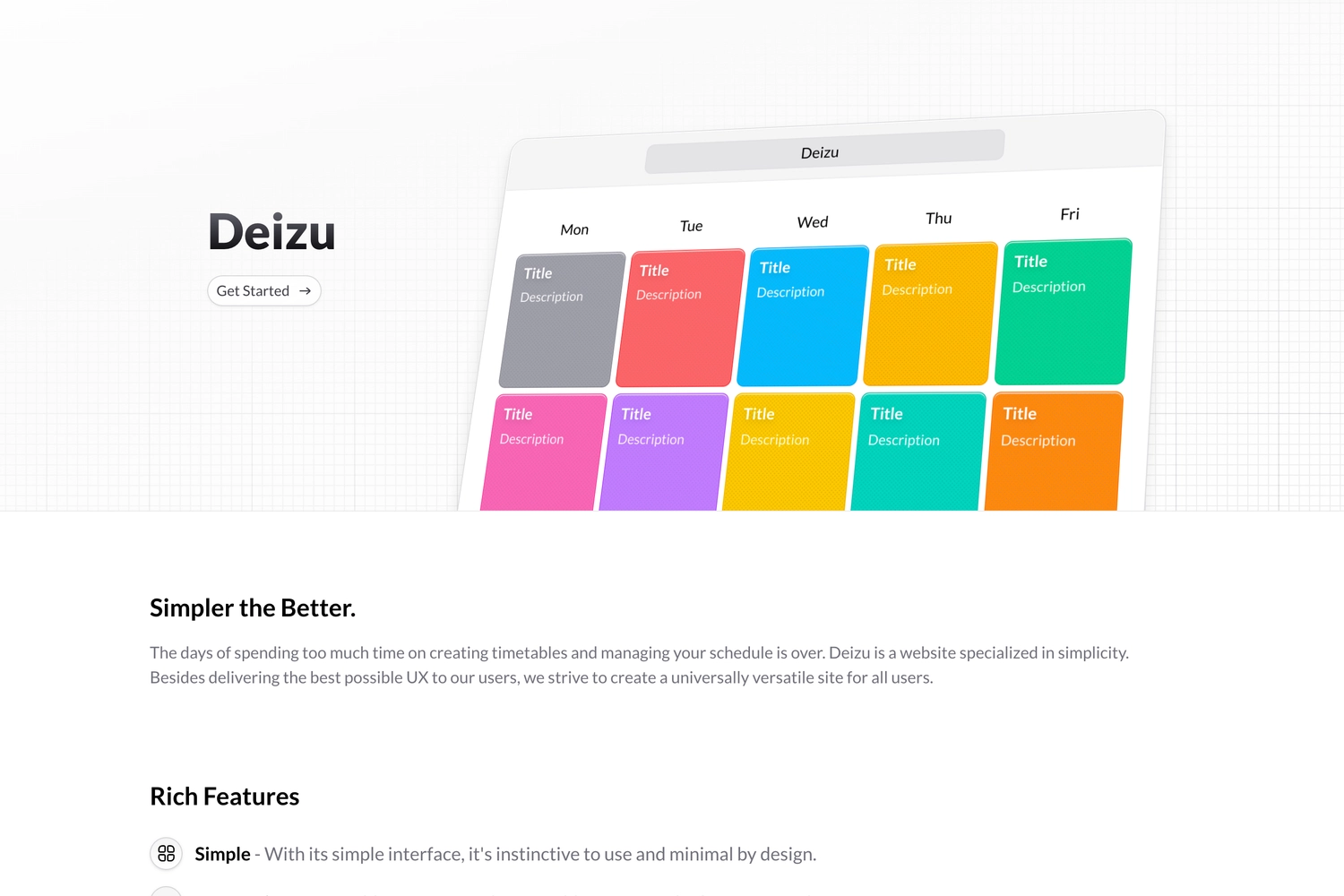
Overview
Deizu is a web-based timetable creation tool designed for simplicity, accessibility, and ease of sharing. The idea for Deizu was born out of personal frustration during my high school years when frequent schedule changes due to the coronavirus made it exhausting to manually update timetables in Excel or spreadsheets. Despite the existence of various timetable applications, I couldn’t find one that met my needs, which was something that was usable on the web with a design I was satisfied with. This is what motivated me to build one myself.
The Problem
Traditional methods of managing timetables, such as spreadsheets, lacked the flexibility and ease of use required for frequent changes. Existing applications often had limitations, such as:
- Being restricted to mobile or desktop applications rather than working in a browser
- Clunky or outdated designs
- Lack of easy sharing options
With these pain points in mind, I set out to create a solution that included the following key features:
- Web-based – No need for downloads or installations
- User-friendly – Simple enough for anyone to use
- Easily shareable – Share timetables via links
- Google Account Integration – Quick sign-in without extra setup
The Solution: Deizu
Deizu was designed to be as intuitive as possible. Anyone with a Google account can log in and start creating, managing, and sharing timetables effortlessly. The core features include:
- A minimal, clean interface that focuses on usability
- Timetable sharing via links, eliminating the need for manual exports
- Responsive design, making it usable on both desktop and mobile
- A database for subjects, allowing users to create datasheets and add them to their timetables
Development Process
Building Deizu involved designing a simple yet functional UI and ensuring smooth user experience across different devices. While the initial version was straightforward, I continued refining it based on user feedback.
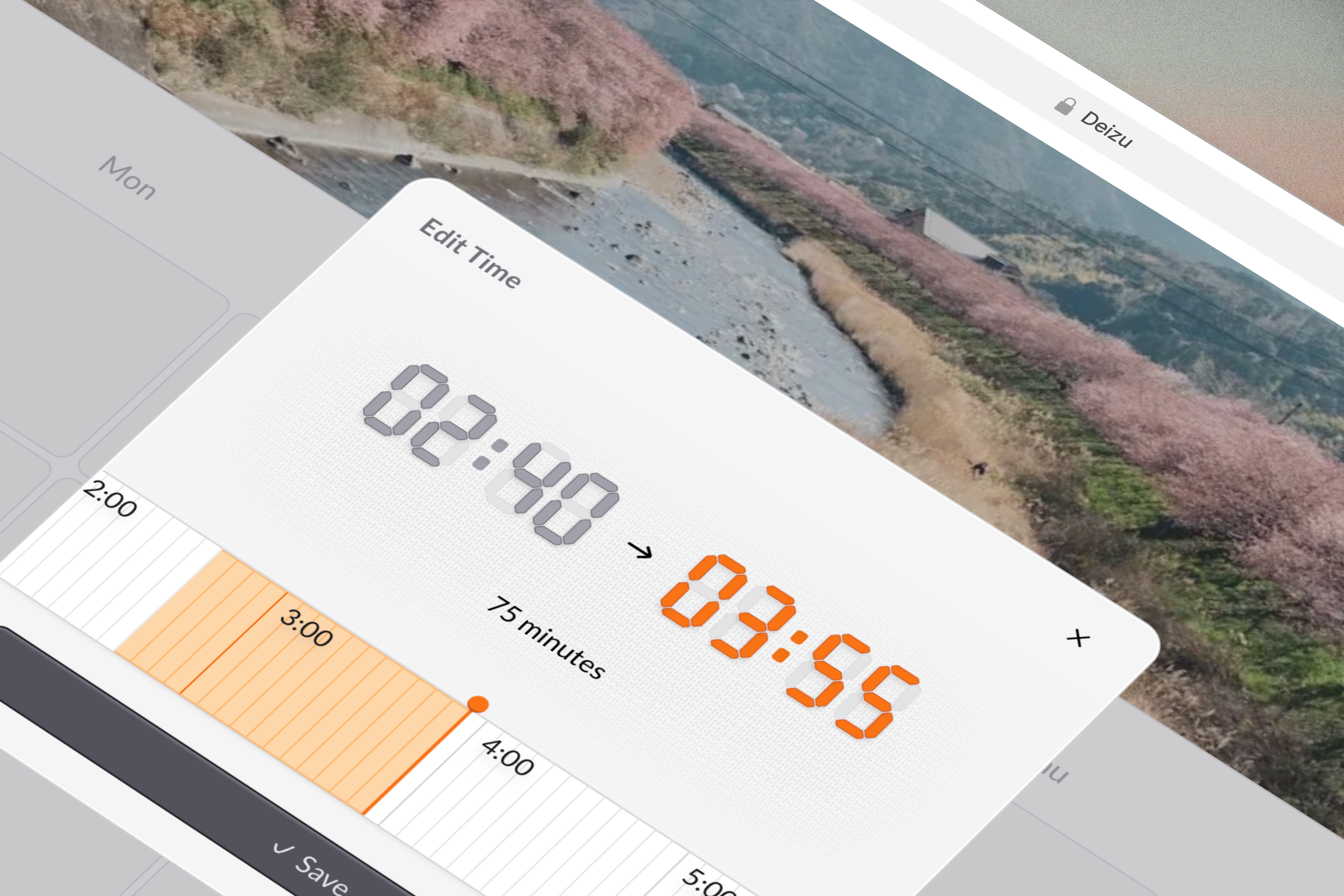
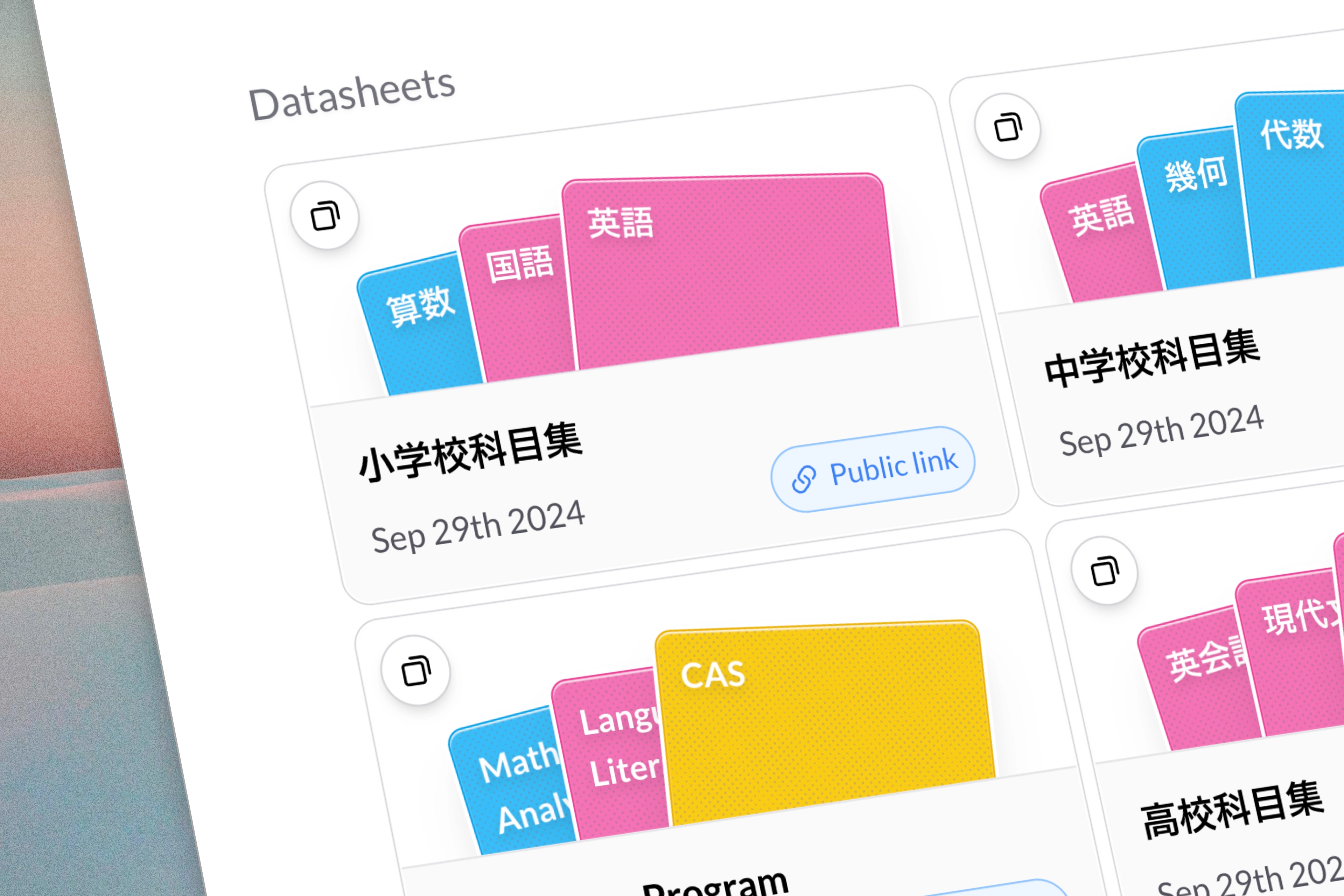
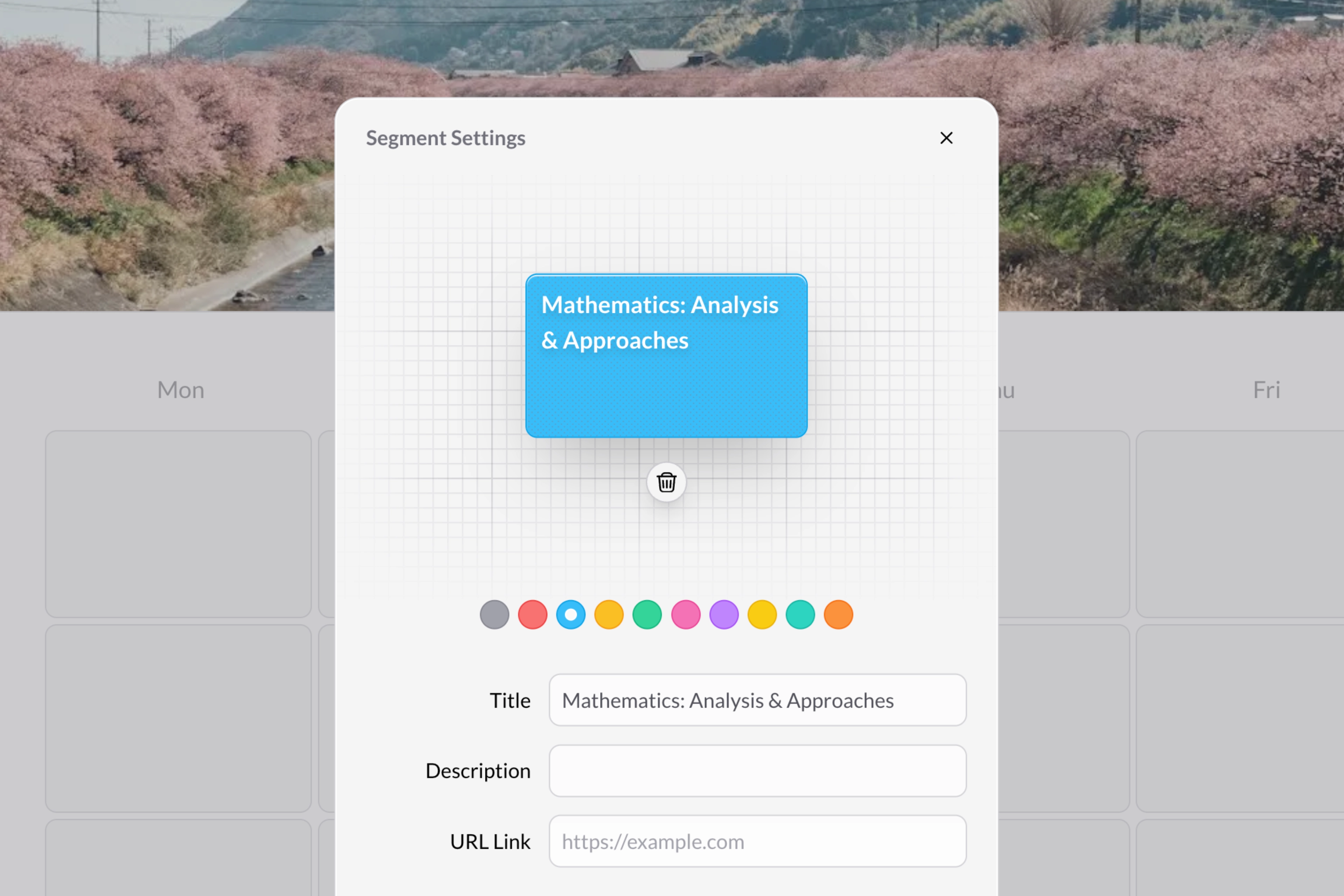
Above are some isometric views of real live details put into Deizu. The design has been refined to be more visually appealing and user-friendly to both students and teachers. Below is the modal that allows users to edit the cells on the timetable. It is a very fundamental part of the application so I wanted to make sure it was easy to use, understand and beautiful.
Technologies
Deizu was built with:
- Design: Figma
- Frontend: Next.JS, Tailwind CSS, Motion (previously Framer Motion)
- Backend: Vercel Platform (Server actions, OG image generation, etc.), Unsplash API
- Authentication: Firebase Auth
- Database: Firebase Firestore
Final Thoughts
Deizu has gone through multiple iterations, with Version 4 (v4) introducing significant design and functionality upgrades. A lot more has changed aside from just the look and feel. In this update I thought a lot about outreach and how to better connect with users and let them have a say in the development of the platform. Some of the new features that help with this are:
- Support for 2 more languages - Deizu is now available in both Traditional Mandarin and English, catering to a wider audience.
- Tighter feedback loop - All feedback and feature requests are directly sent to a LINE group, allowing for rapid responses and implementation.
- A new changelog - Users can now view the latest updates and improvements directly on the platform.
What started as a personal project to solve my own problem turned into a web application that is helping others efficiently manage their schedules. With well over 2000 registered users including students, teachers and educational institutions, Deizu is continuing to evolve, and I’m excited to share and continue to improve the platform for everyone.